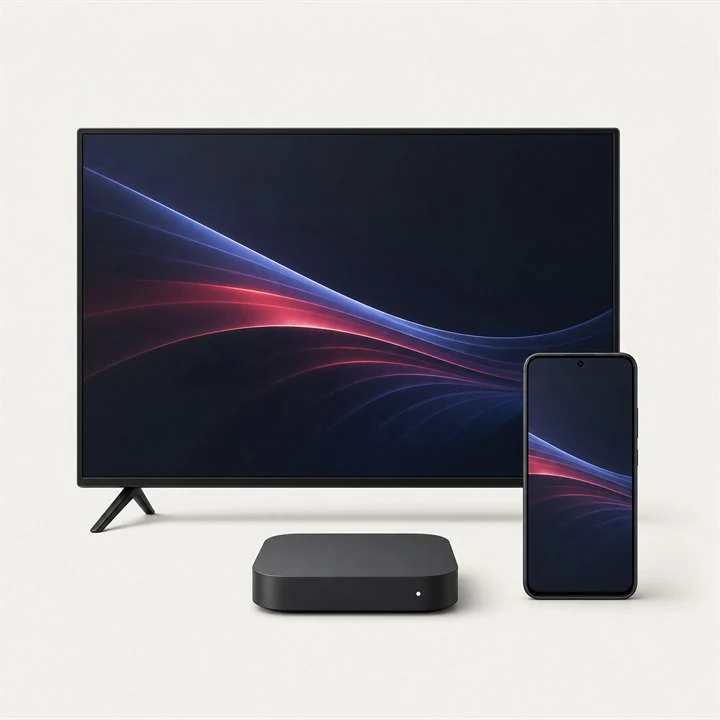
Installing IPTV on several devices is not the same as watching on several devices at the same time. A standard subscription may let you save the account in a television, phone and tablet while permitting only one active stream. Starting a second stream can pause the first or trigger a connection warning.
A reliable household setup begins by understanding the active-connection limit, choosing a suitable player for each device and protecting the shared login. This guide explains how to organise that setup without unnecessary reconfiguration.
Installation versus simultaneous viewing
Installation describes where the player and login details are stored. Simultaneous connections describe how many streams can run at once. Providers use connection limits to manage account access, so closing a channel on one device before opening another is important on a one-connection plan.
Background playback may keep a connection active even after you return to the device home screen. Exit the channel or close the player properly. If a second device still receives a limit message, wait briefly for the previous session to end.
Map the devices in your household
List every place where the subscription may be used and identify which devices are likely to overlap. A living-room television and a bedroom television often need two connections during the evening, while a phone used only when travelling may not.
This map helps you decide whether one connection is enough or whether a multi-connection option is more appropriate. It also avoids sharing the account with devices that are no longer used.
- Primary television and its regular viewers
- Second television or bedroom device
- Phone or tablet used away from the television
- Computer used for occasional viewing
- Expected periods of simultaneous use
Use the right player on each platform
The same subscription can be entered into different compatible applications. Android TV and Fire TV may use TiviMate or Smarters Pro, while Samsung and LG televisions may offer Smarters Pro or IBO Player Pro. Apple and Windows devices have their own supported options.
Menus and features will differ between players, but the subscription catalogue remains linked to the account. Name the playlist consistently on every device so family members recognise it and support can identify the setup more easily.
Protect a shared IPTV subscription
Share login details only with members of the household who need them. Do not post an M3U address, server login or portal identifier in a public group. If a device is sold, lost or given away, remove the player account from it and contact support if the credentials should be changed.
Avoid repeatedly entering the account into unverified applications. Every additional app is another place where the private details are stored. Official stores and recognised publishers reduce that risk.
Plan for travel and network changes
A phone or tablet can be useful while travelling, but mobile data usage can be significant, especially at high picture quality. Confirm the account rules and use a secure connection. Public Wi-Fi may be unstable and should not be trusted with unnecessary account information.
When switching between home and mobile networks, close the previous stream before opening the next. If access is restricted after an unusual network change, contact support rather than repeatedly changing passwords or reinstalling every device.
Frequently asked questions
Can I install IPTV on more than one device?+
Often yes. The number of saved installations can be different from the number of streams allowed at the same time.
Why did one device stop when another started?+
The subscription may include one active connection. Close playback on the first device or ask whether an additional connection is available.
Can different devices use different IPTV players?+
Yes, when each player supports the supplied login method. Features and navigation may vary while the underlying subscription remains the same.
 Setup guide
 Explainer
 Buying guide